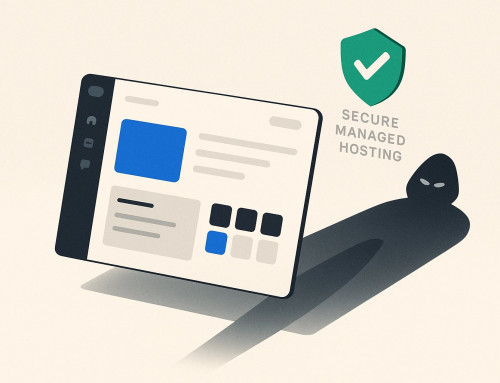
A few weeks ago I cleaned up a badly compromised WordPress site. Not a surface clean — a real one. We went in by hand, diffed every theme file against the original, found the backdoors that three previous cleanups had missed, removed all of it, reset the passwords we controlled, rotated the keys, and verified the site was clean. It was clean. I’d stake my name on that.
This is the story of what happened next — and the single most important thing I can tell a business owner about what “cleaned” actually means. Read Part 1 first →
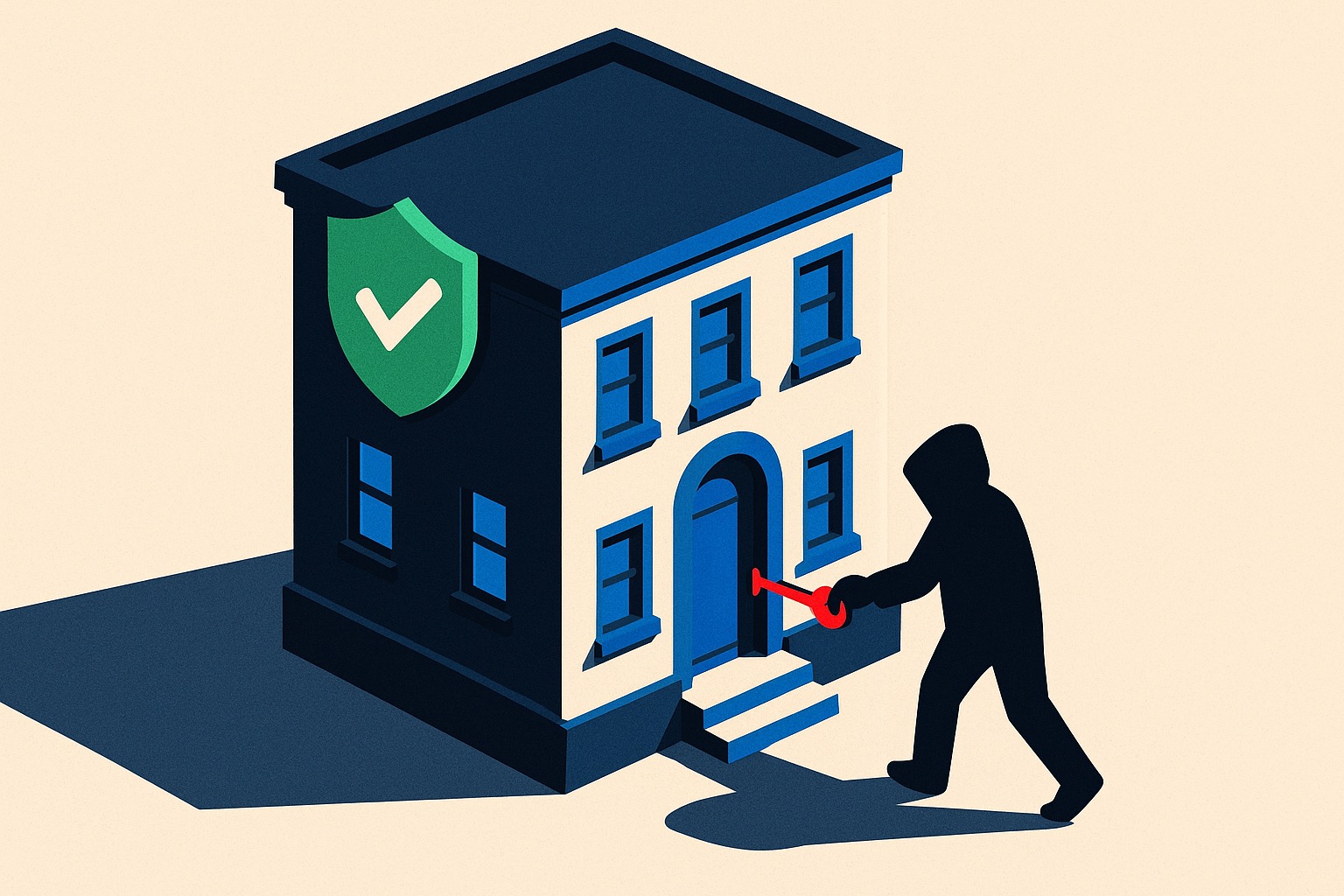
Five weeks later, it was hacked again.
Same symptom as the first time: when Google’s crawler visited, the site secretly served it a foreign online-gambling page, while real visitors saw the normal site. The tip-off wasn’t a scanner — it was an email from Google to the owner: “New owner for your site.” Someone had added themselves as an owner in Search Console. The early-warning worked, the client forwarded it, and we started digging the same day.
A clean site with a stolen password is not a secure site. A cleanup gets rid of what’s on the server — it can’t change a password that lives in someone’s head, their password manager, or their hosting account.
How they walked back in
No new malware this time. The files were uploaded by someone who simply logged in — with a password the first breach had already handed them.

A login, not a backdoor

A password stolen weeks earlier

The one key nobody rotated
This is the part that’s easy to get wrong
It would be easy to read this as “the cleanup failed.” It didn’t. The site was genuinely clean. What happened is more uncomfortable and more important: a cleanup and a credential rotation are two different jobs — and only one of them can be done by the person holding the mop.
I can remove every malicious file on a server. I cannot reach into your hosting portal and change a password I don’t have — and I shouldn’t be able to. The handoff — you must now rotate these credentials — is the seam where security actually lives or dies. It’s unglamorous. It’s a checklist item. It is also the entire difference between “fixed” and “fixed for five weeks.”
In Part 1, the lesson was that a scanner can’t be accountable. This is the same lesson one layer deeper: even an expert, hands-on cleanup isn’t a force field. Security isn’t a thing you buy or a button you push — it’s a loop, and the loop only closes when the human side follows through.
What closing the loop actually looks like

Rotate every credential

Two-factor + per-person access

Then verify it’s closed
A cleanup removes what’s on the site. Closing the loop is what makes it stick. The first is the work you hire out; the second is the handoff you can’t skip.