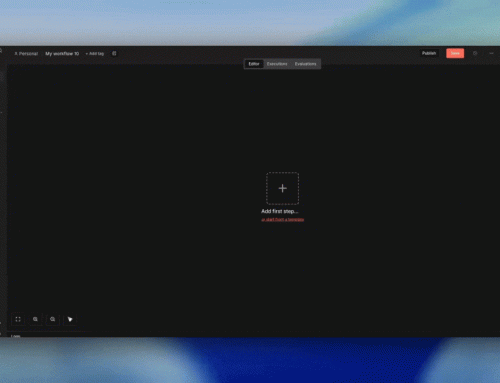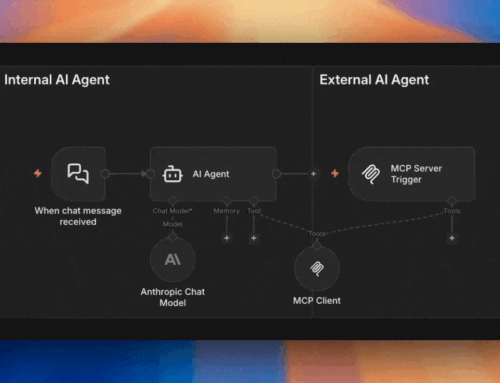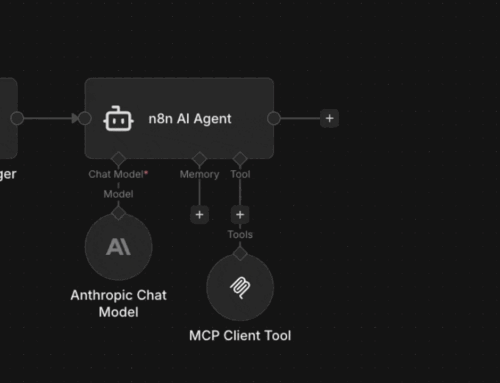
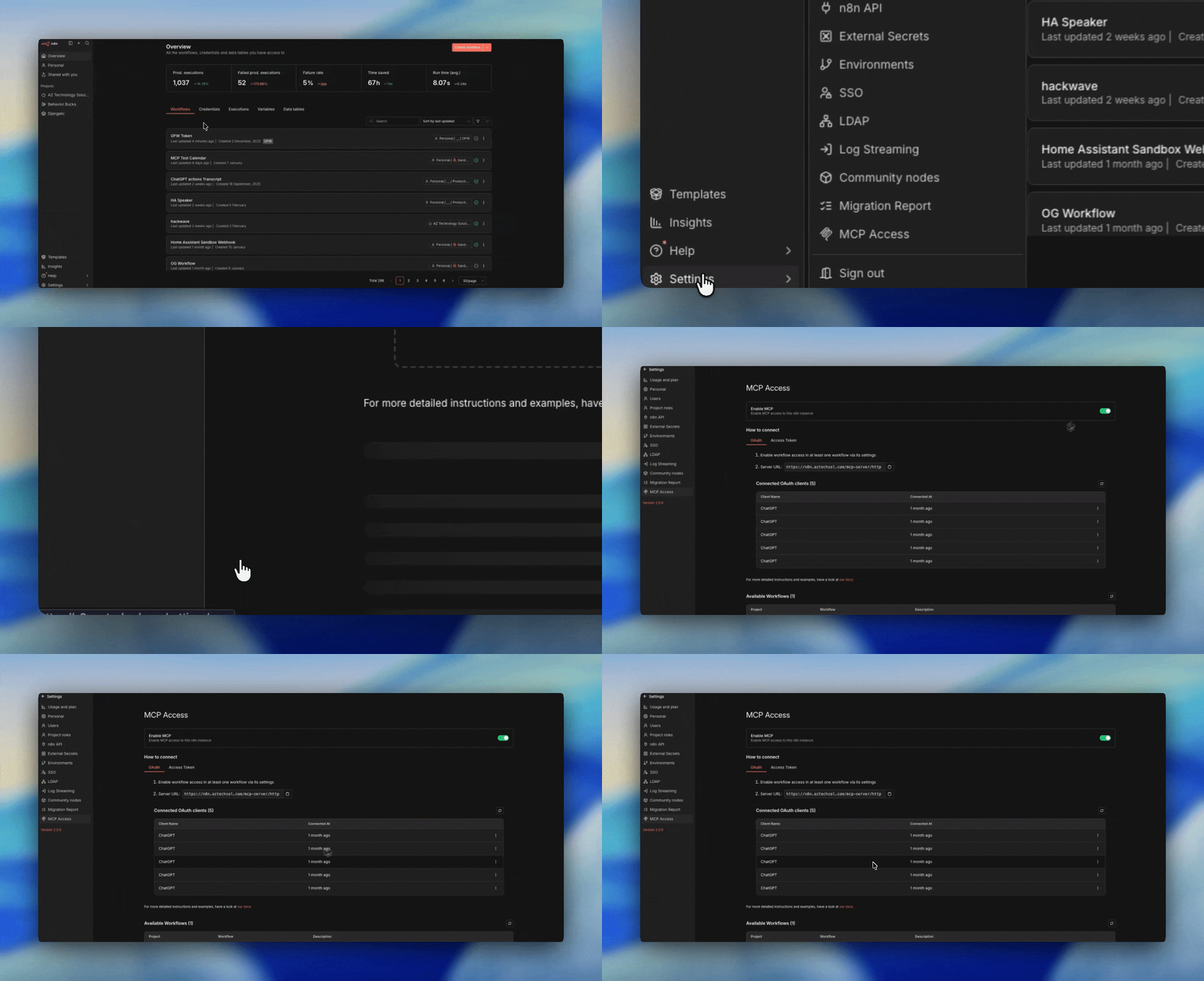
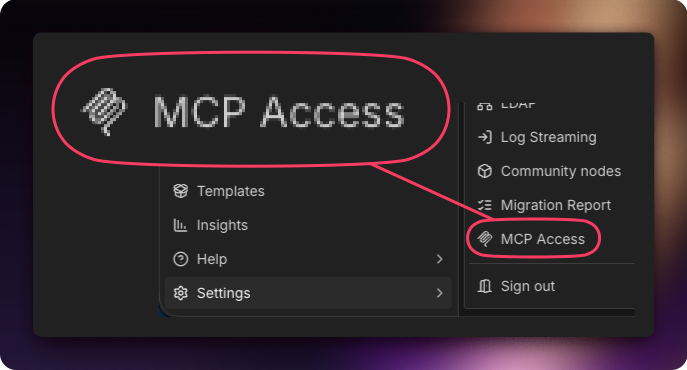
MCP Access is n8n’s instance-level MCP gateway. It turns your entire n8n deployment into a single MCP server that external AI clients can connect to via OAuth.
Instead of building individual MCP Server Trigger workflows, you simply toggle existing workflows to be “Available in MCP” and they become discoverable tools for any connected AI agent.
⚠️ Improvement Request:
While it’s great that you can view and trigger workflows from this endpoint, what would make this even more helpful is the ability to create and delete workflows as well.
I see this as the Builders endpoint, but you can’t build workflows here. You may as well use the MCP Server Trigger, and create a sub-workflow that accepts as input JSON to create workflows, and in that same trigger add a tool thats a subworkflow to automatically get all workflows.
You can even create a subworkflow to delete workflows via id. Other than Oauth, that completely removes the need for this, and is already more powerful via the MCP Server Trigger method.