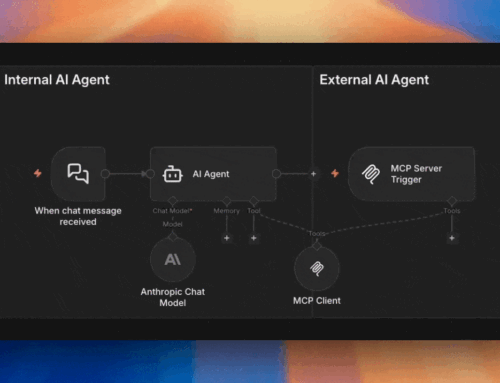
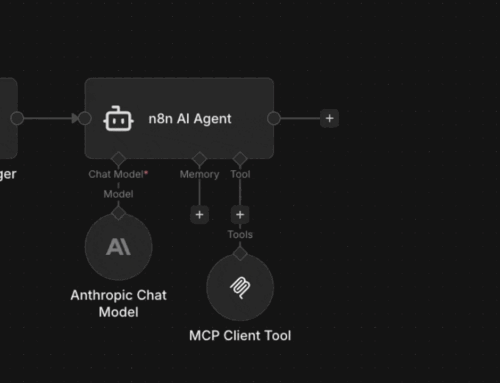
If you’ve read our overview of how MCP works in n8n, you know there are four ways n8n interacts with MCP. The MCP Client Tool is the one that gives your n8n AI agent the ability to reach out to external MCP servers — and it’s the piece most people skip over because it sounds redundant.
After all, n8n already has dedicated tools for Google Calendar, Slack, Gmail, and dozens of other services. Why would you use an MCP Client Tool to access the same things? The answer comes down to who controls the interface.
By Angel Menendez, founder of AZ Technology Solutions — we design and deploy n8n + MCP systems for teams. Need this running in production? Book free office hours →
What the MCP Client Tool Actually Does
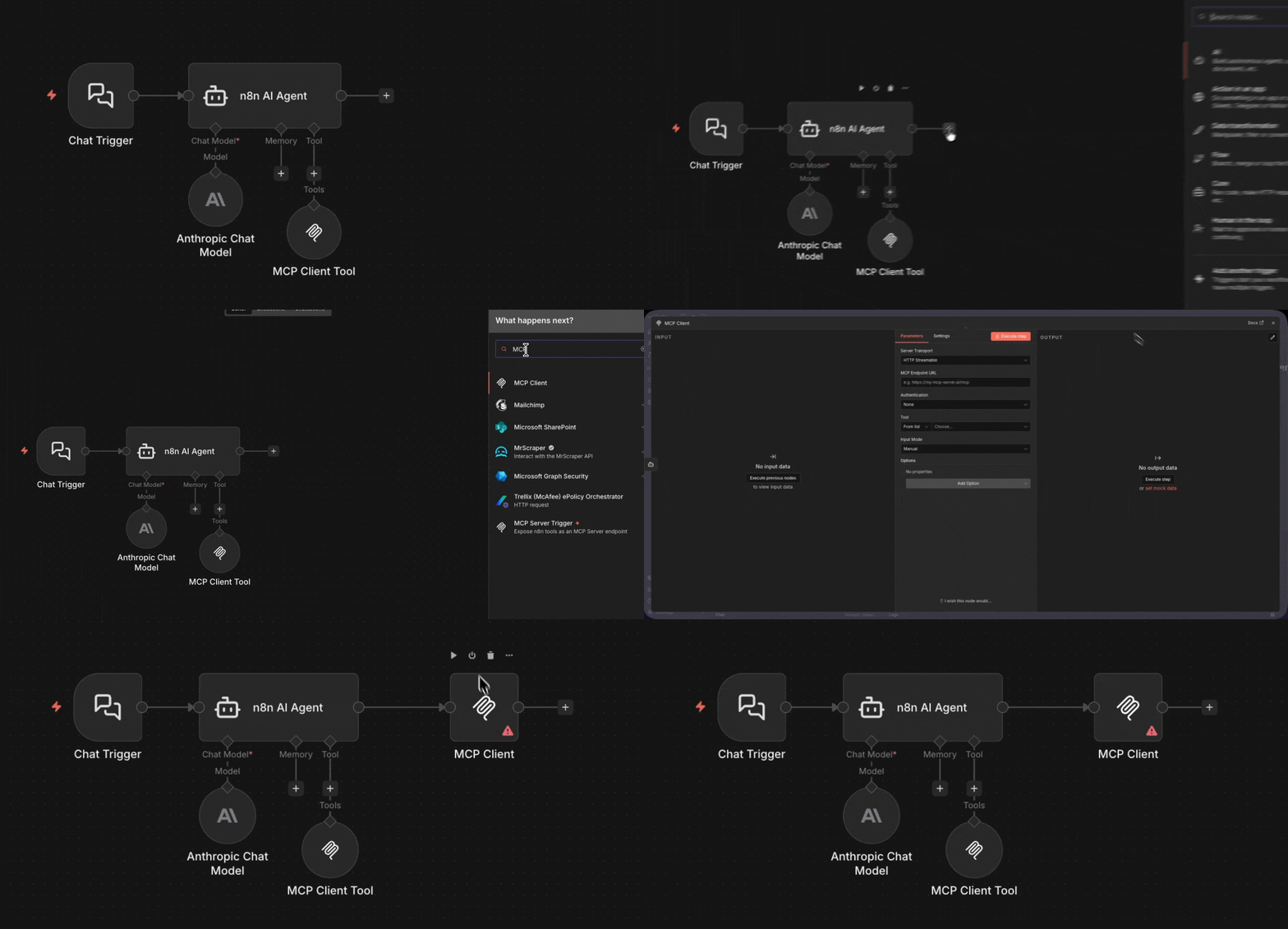
The MCP Client Tool is a tool node — it attaches to an AI Agent node inside n8n. But instead of calling a single API with hardcoded parameters (like the Google Calendar Tool does), it connects to an MCP server and discovers what’s available. It asks “what tools do you have?” and the server responds with names, descriptions, and parameter schemas.
The agent then decides which of those tools to call. It’s dynamic, self-describing — and it means your n8n agent can use tools that didn’t exist when you built the workflow.
MCP Client Tool vs. Native n8n Tools
Native Google Calendar Tool
- Built into n8n — first-party integration
- OAuth credentials configured in n8n
- Fixed set of operations (create, update, get, delete)
- Agent sees one tool: “Google Calendar”
- Parameters well-defined and pre-mapped
- Fast — direct API call, no discovery step
- Updates when n8n ships a new version
MCP Client Tool → Calendar MCP Server
- Third-party or self-hosted MCP server
- Auth configured at the MCP server level
- Tool list is dynamic — whatever the server exposes
- Agent discovers multiple tools from one connection
- Schemas come from the MCP server, not n8n
- Slower — discovery + execution overhead
- Updates independently of n8n
So When Do You Actually Use It?
Native tools are better when they exist — faster, tighter, purpose-built. Use the Google Calendar Tool for Google Calendar. The MCP Client Tool shines in three scenarios:
No native tool exists
Reach another n8n instance
Dynamic tool discovery
The Mental Model
Native tools = apps on your phone
MCP Client Tool = the web browser
You don’t uninstall your apps because you have a browser, and you don’t skip the browser because you have apps. In practice most n8n agent workflows use a mix of both: native tools for core services, the MCP Client Tool for everything beyond. That’s the whole decision tree.