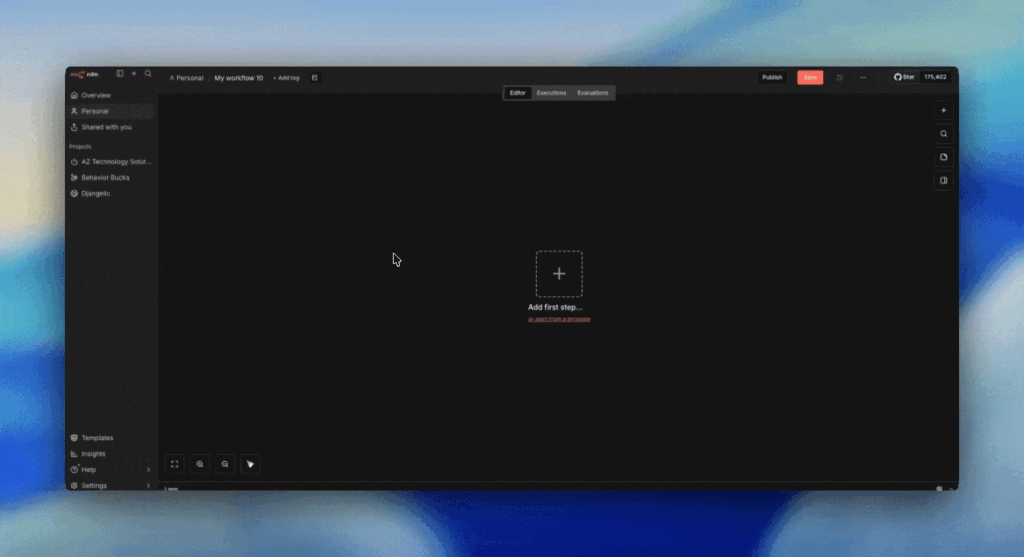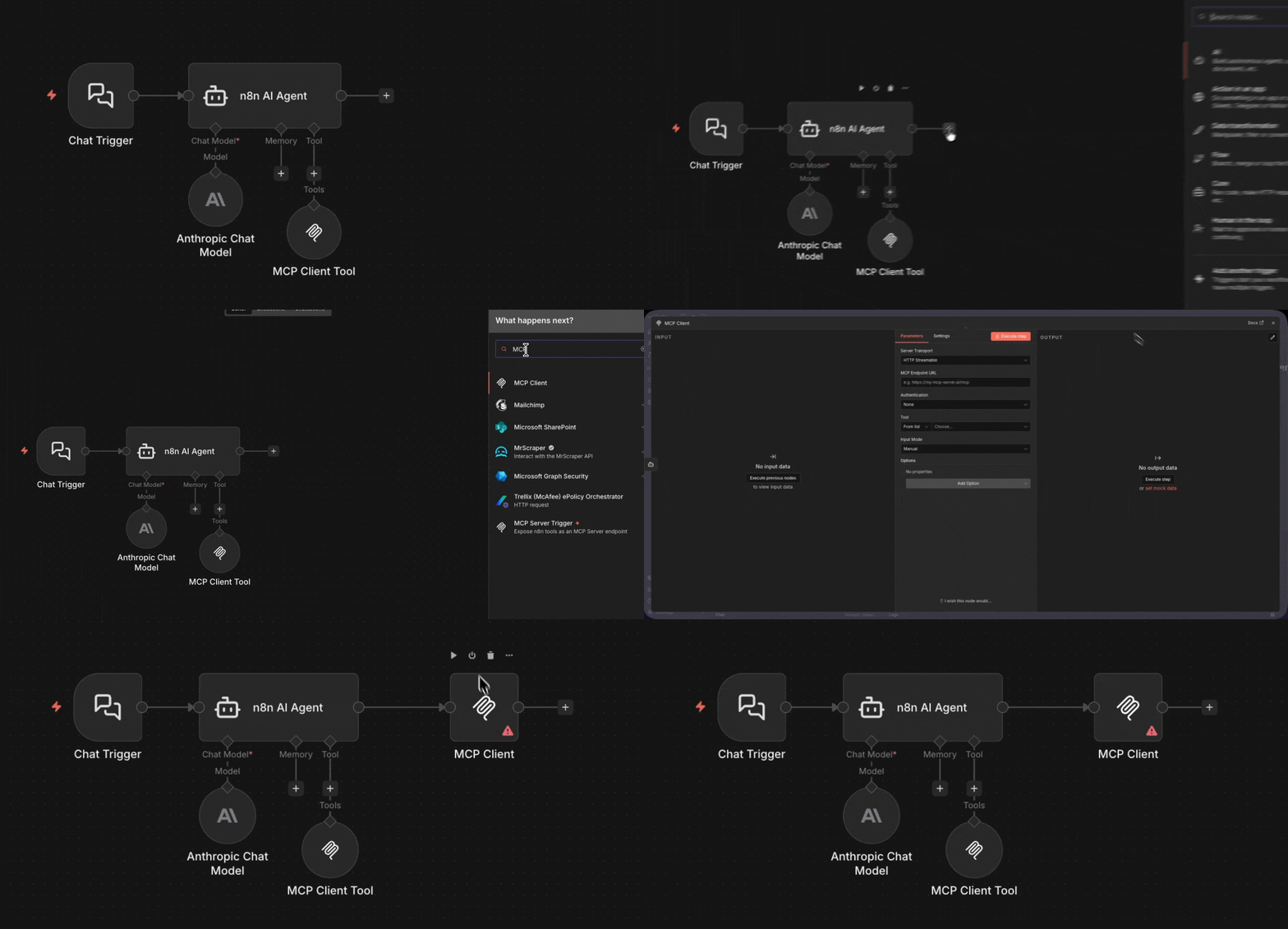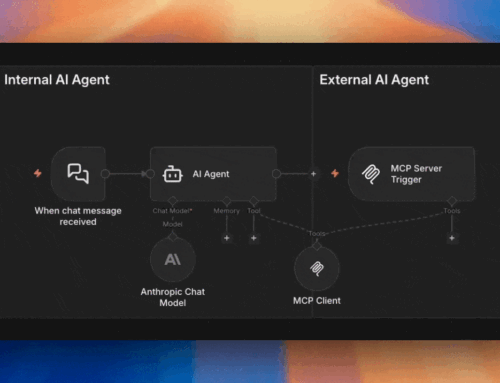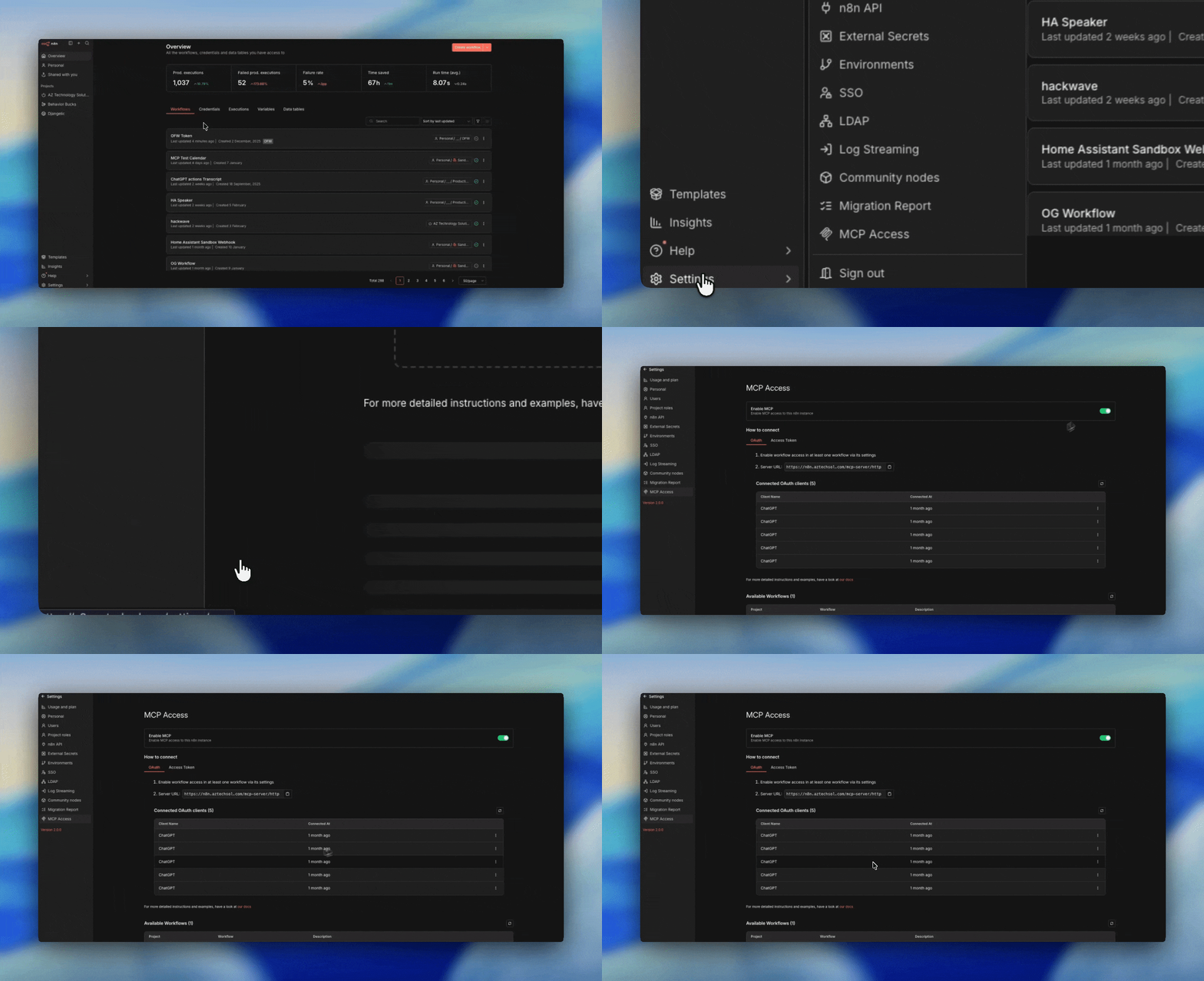
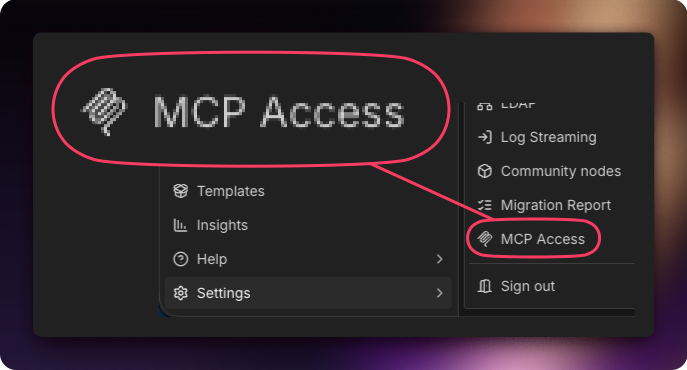
Instance-Level MCP — the feature formerly labeled “MCP Access” — is n8n’s instance-wide gateway. It turns your entire n8n deployment into a single MCP server that external AI clients can connect to via OAuth2 or a personal access token.
Instead of building individual MCP Server Trigger workflows, you simply toggle existing workflows to be “Available in MCP” and they become discoverable tools for any connected AI agent. No special trigger nodes. No per-workflow URLs to manage.
By Angel Menendez, founder of AZ Technology Solutions — we design and deploy n8n + MCP systems for teams. Need this running in production? Book free office hours →
When to Use Instance-Level MCP
- You want a single connection point for external AIs
- You need OAuth2 authentication (e.g., connecting from ChatGPT) — or a personal MCP access token
- You want to expose existing workflows without modifying them
- You’re managing access centrally at the instance level
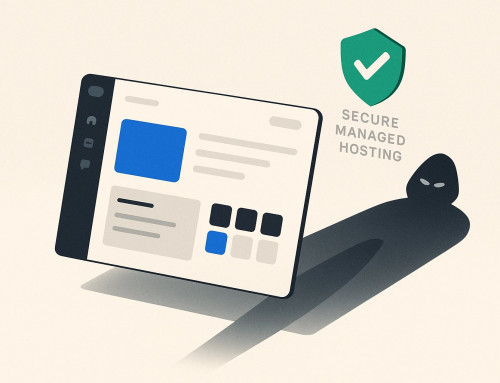
The front door
One entrance, one bouncer, one clipboard. The AI shows up with OAuth credentials, the gateway checks the list, and routes the request to whichever workflow the AI asked for.
✅ Update — n8n Shipped It
When this post first went up, the gateway was view-and-trigger only, and this section was an open request: let us create and edit workflows here too. As of n8n v2.13, that’s exactly what it does — connected MCP clients can create and edit workflows and data tables through Instance-Level MCP, and v2.24 added bulk MCP enablement for whole projects and folders. The builders’ endpoint we asked for is now the real thing.