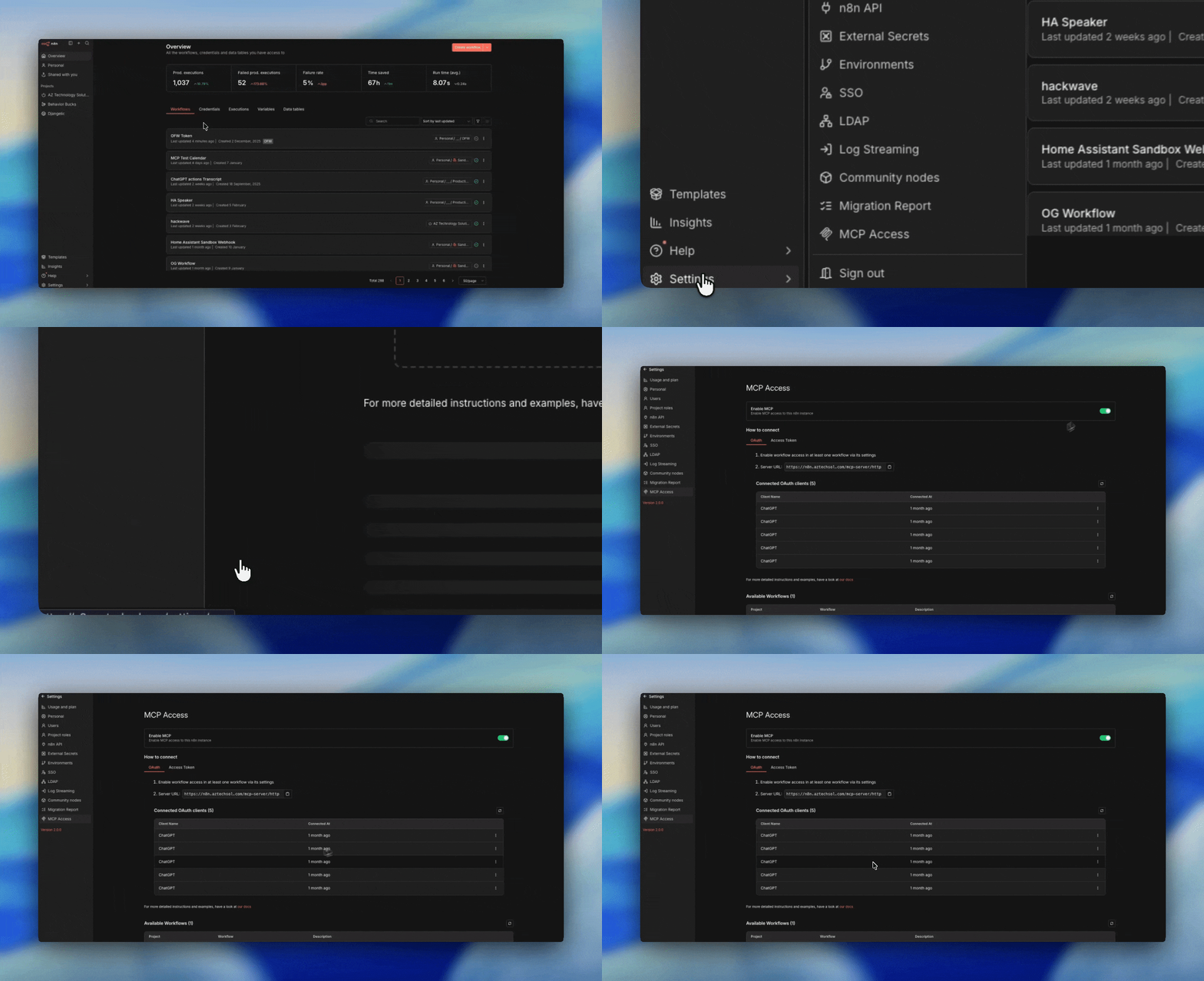
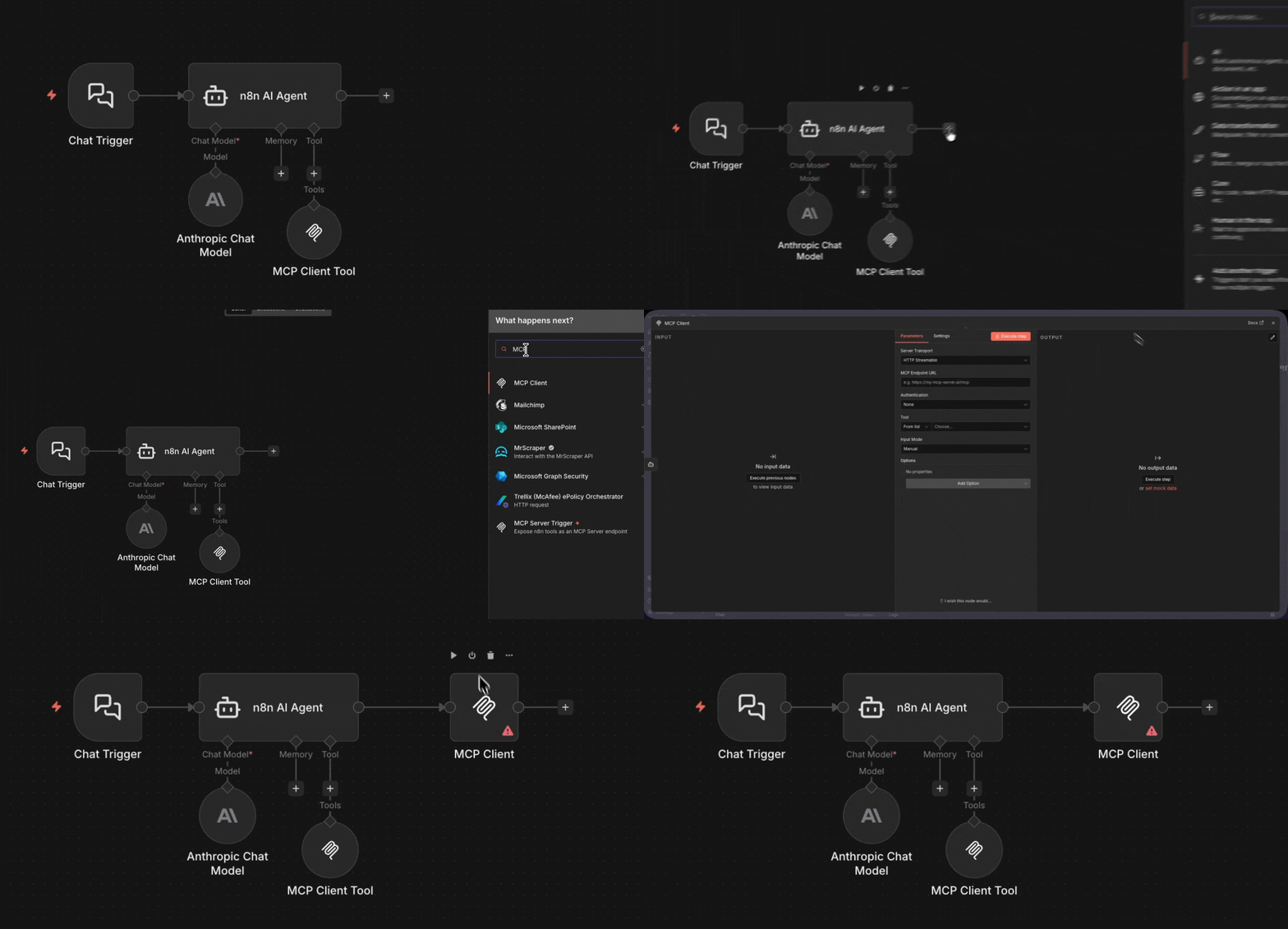
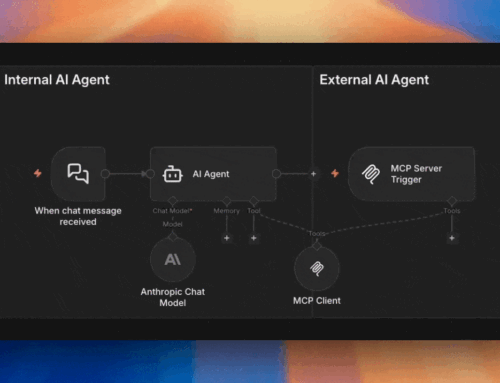
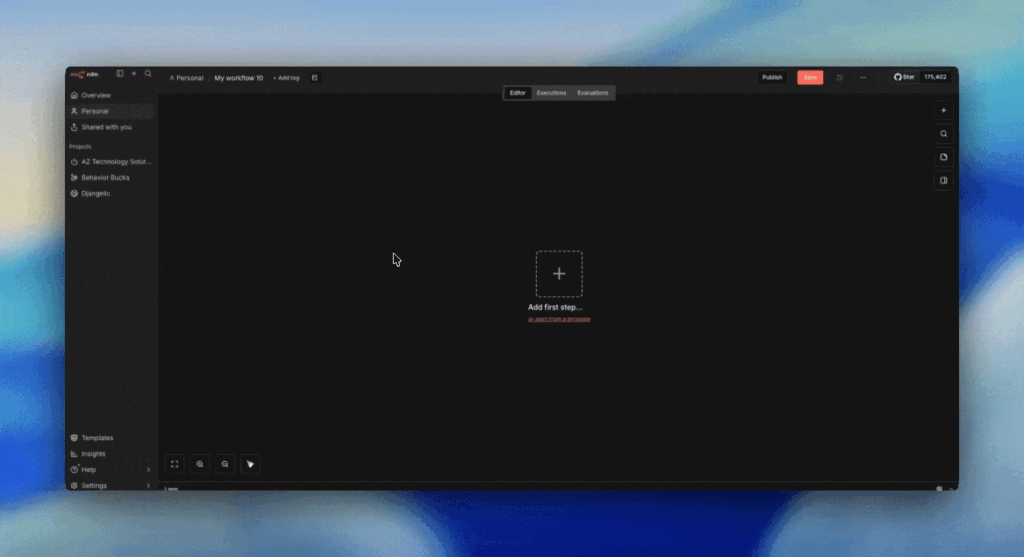
The MCP Server Trigger is a workflow-level entry point. You create a dedicated workflow, drop in the MCP Server Trigger node, and attach tool nodes to it. Each trigger gets its own unique URL that external AIs can call.
Unlike the instance-level gateway, you’re building the workflow yourself. You decide exactly which tools to expose, what authentication to require (header auth or bearer), and how the workflow processes requests.
By Angel Menendez, founder of AZ Technology Solutions — we design and deploy n8n + MCP systems for teams. Need this running in production? Book free office hours →
When to Use the MCP Server Trigger
- You want full control over which tools are exposed together
- You prefer header auth over OAuth (simpler, no token refresh)
- You want the Custom n8n Workflow Tool to expose entire workflows as tools
- You’re building a dedicated MCP endpoint for a specific AI client
The side door
Always use auth
Real-World Setup
We use the MCP Server Trigger for our own AI assistant setup — each tool it exposes is an n8n workflow the AI can call on demand: calendars, notes, journals, groceries, and more.