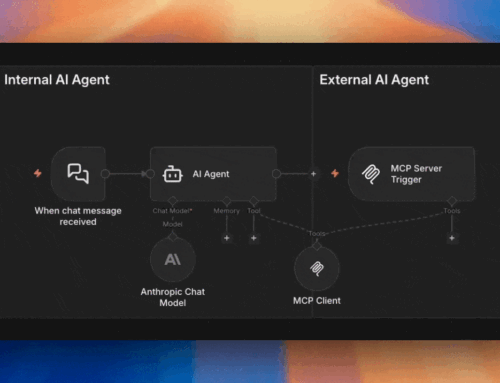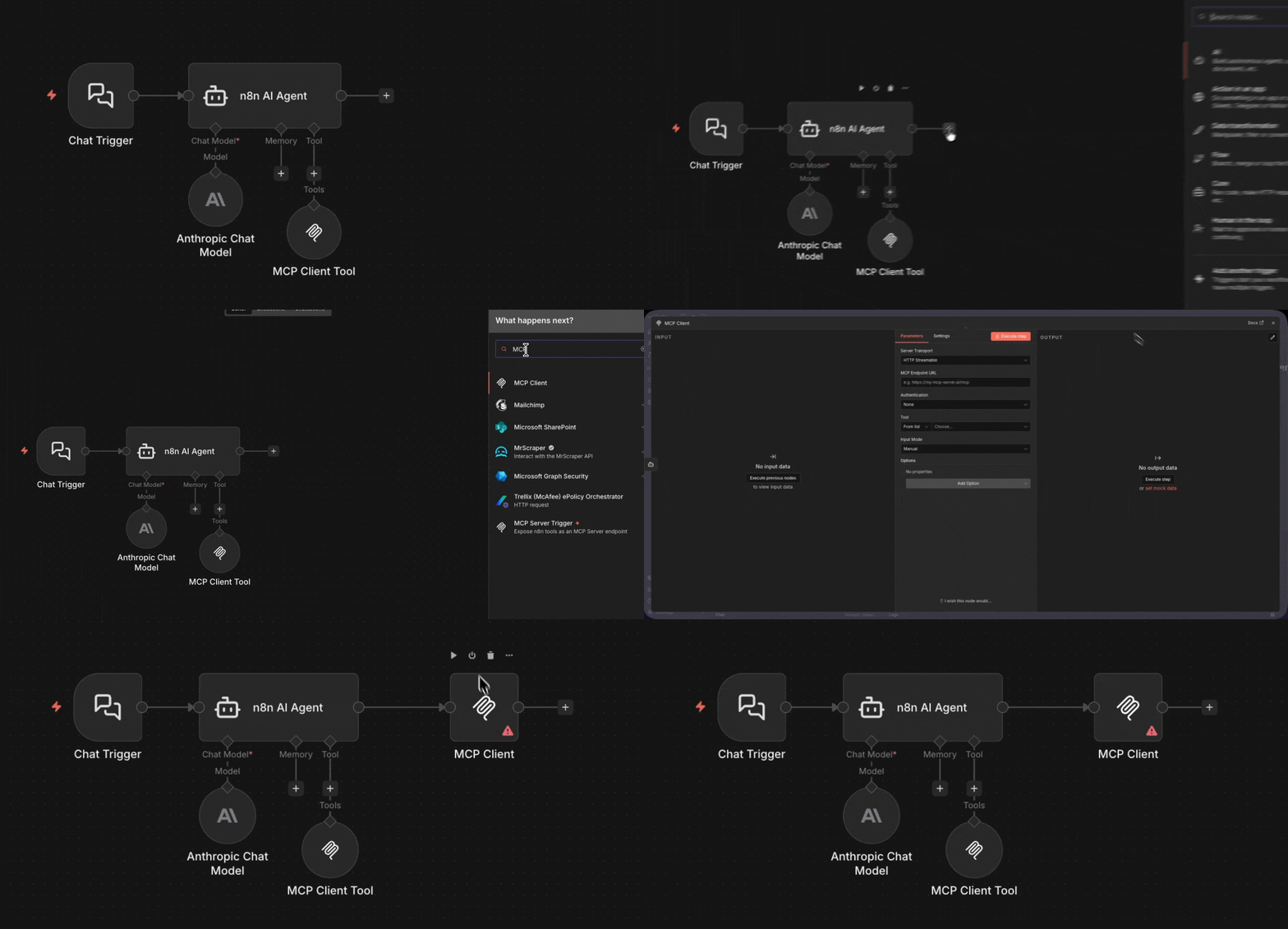
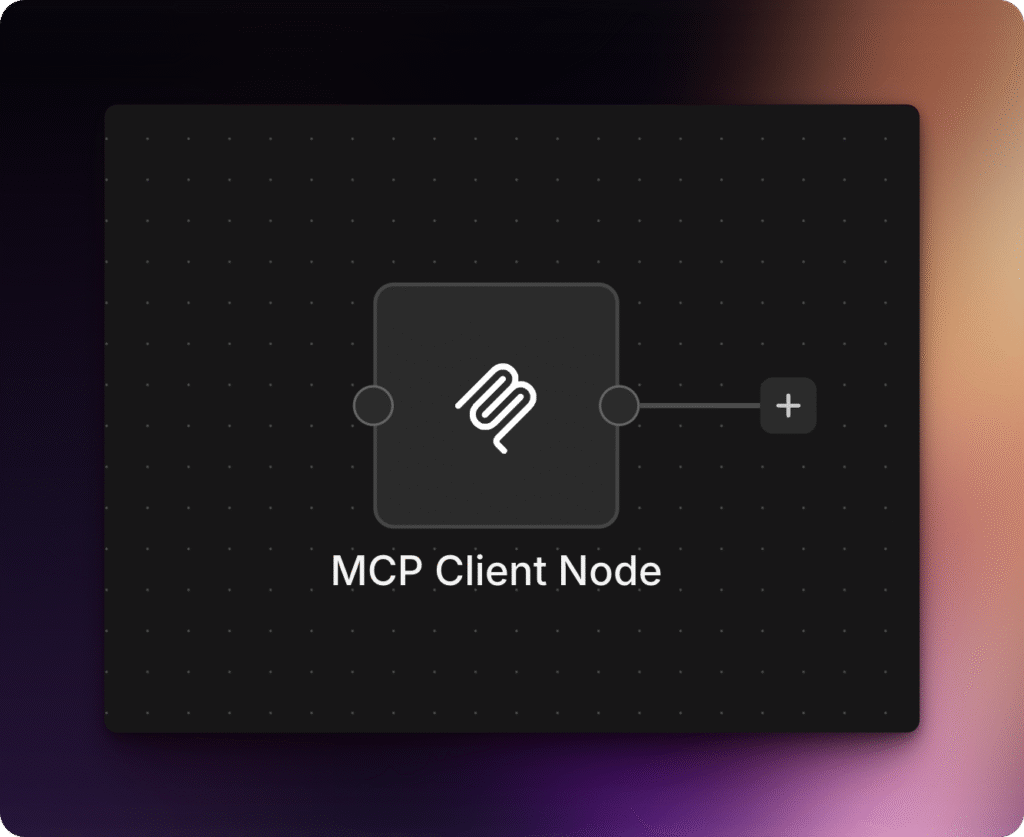
The MCP Client node — n8n recently renamed it from the “MCP node” — is the missing piece that completes the pattern. While the MCP Server Trigger receives incoming calls from external AIs, the MCP Client node lets you call OUT to MCP servers directly as a step in any workflow — no AI agent required.
This is deterministic automation. You specify exactly which MCP server to connect to, which tool to call, and what parameters to pass. The AI doesn’t decide — the workflow does.
By Angel Menendez, founder of AZ Technology Solutions — we design and deploy n8n + MCP systems for teams. Need this running in production? Book free office hours →
When to Use the MCP Client Node
- You want to call MCP tools directly without an AI agent
- You need deterministic, repeatable behavior (not AI-decided)
- You’re building automation workflows that interact with MCP servers
- You want to integrate MCP servers into existing non-AI workflows
The HTTP Request node, but for MCP
Same idea: call an external service directly, get data back, continue the workflow. Except instead of REST APIs, you’re calling MCP tools.
Explore the MCP in n8n Series
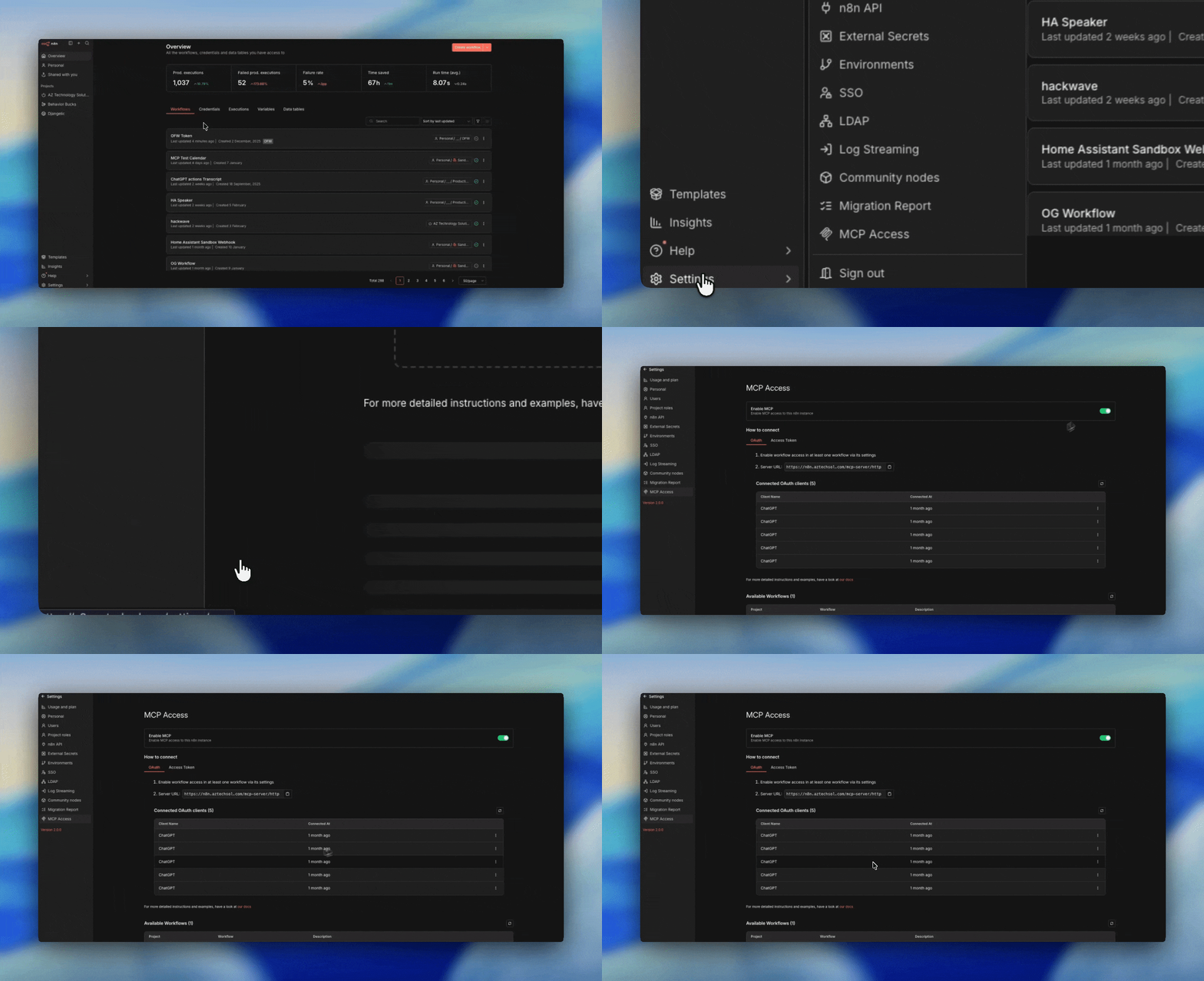
The instance-wide gateway — view, trigger, and now build workflows.
Read the Deep Dive
Workflow-level MCP endpoints with full control over exposed tools.
Read the Deep Dive