


Can OpenClaw Connect to Anything?
The three ways autonomous AI agents access your tools, services, and platforms
Someone on LinkedIn recently asked me a great question: “Can OpenClaw connect to any CRM, or are some incompatible?” But the answer applies to far more than CRMs. It applies to any service, platform, or tool you might want an AI agent to interact with — your calendar, your project management tool, your accounting software, your internal dashboards, your databases. All of it.
The short answer is: OpenClaw can connect to virtually anything. But the longer answer reveals what makes this platform genuinely different from other AI agent frameworks — and why the “how” matters as much as the “what.”
Understanding the Three Layers
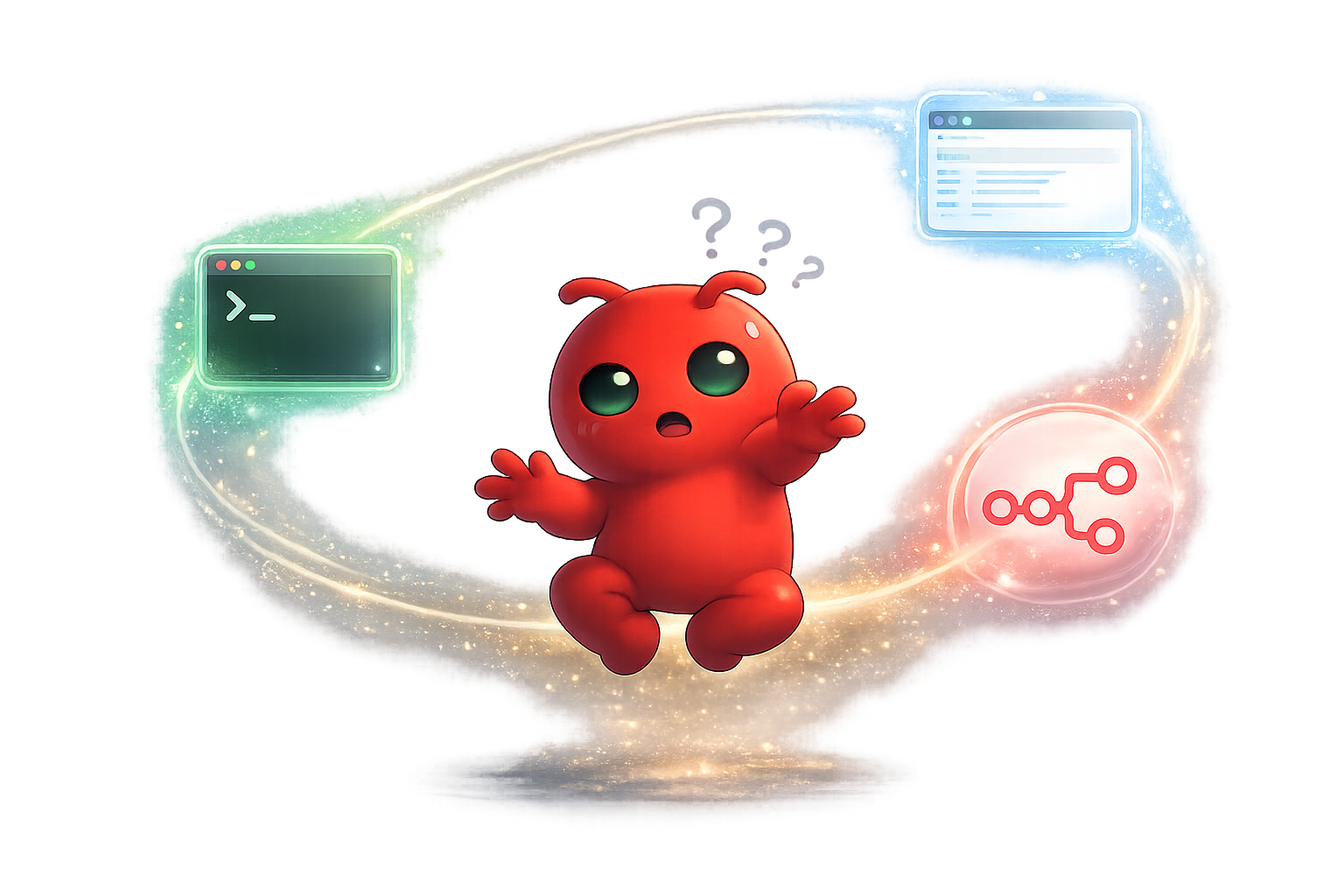
OpenClaw doesn’t rely on a single connection method. It has three distinct ways to reach your tools, and it can escalate between them automatically. Think of it as a hierarchy — each layer expands what’s possible.

Layer 1: API via Command Line
OpenClaw’s first instinct is the same as any developer’s: hit the API. If your service has a REST API, GraphQL endpoint, or any kind of programmatic interface, OpenClaw can authenticate — grab a token or cookie via curl — and start making requests, all through the command line.
This is similar to what tools like Cursor do. They treat the terminal as a tool and simulate requests to interact with services. It’s fast, efficient, and works beautifully for well-documented APIs. If your tool has an API, OpenClaw can use it. Period.
But there are limitations. The agent can’t actually see anything — it’s playing puppeteer with the API because it knows what strings to pull. If the API is poorly documented, rate-limited, or simply doesn’t exist for the feature you need, you’re stuck. Or at least, with other frameworks you would be.
Layer 2: Native Browser Automation
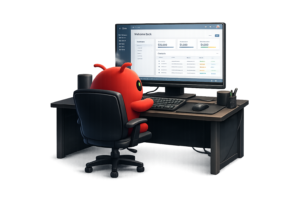
Here’s where OpenClaw breaks away from the pack. Because it runs on actual operating systems — macOS, Windows, iOS — it has access to a native browser with a GUI. If the API approach fails, OpenClaw can literally open a browser, navigate to your service’s web interface, and interact with it the way a human would. You can watch it drive the browser in real-time.
This is powered by LLMs — Claude Opus being the best at browser manipulation — and while your mileage may vary, it means that any service with a web interface is compatible, even if it has no API at all.
This is why you see people deploying OpenClaw on Mac Minis and Windows machines rather than headless web servers. A web server doesn’t initially have a browser or GUI — it’s all command line. You can make it work by tying it remotely to a browser, but that introduces friction. On a real desktop OS, it just works.
The downside here is token cost and speed. Processing the visual portions of a page consumes a lot of tokens, and can take a bit longer than direct API connection, so this should be a last case.

Layer 3: n8n as a Secure Middle Layer (MCP)
Layers 1 and 2 are powerful, but they give the AI direct access to your services. For personal tinkering, that’s fine. For anything involving sensitive data — customer records, financial systems, HR platforms, internal dashboards — you want a controlled layer in between.
This is where n8n comes in. By placing n8n between OpenClaw and your services, you create what I call an “opinionated webhook” — an MCP (Model Context Protocol) server. Instead of giving the AI direct access, you build controlled workflows in n8n that filter what data the AI can see, validate what actions it can take, audit every interaction, and transform data before it reaches the AI.
Your credentials never leave n8n. The AI gets access to capabilities, not credentials. And if you swap out your AI agent tomorrow, your integrations stay exactly where they are.
The Real Breakthrough: Automatic Escalation
What makes OpenClaw special isn’t just that it has these three layers — it’s that it moves between them fluidly. It will attempt an API connection via curl first. If that doesn’t work, it can attempt the same task on its actual browser. You can watch it make the decision and switch strategies in real-time.
The backend is still powered by LLMs, so your mileage varies. But Claude Opus, in particular, is remarkably good at browser manipulation — almost human-like. OpenClaw itself isn’t the AI. It’s a very well-structured framework that lets the AI:
- Learn by saving text files with memories of what worked and what didn’t
- Self-schedule by adjusting its own cron triggers to wake itself up
- Adapt by modifying its own prompts and instructions over time
It’s not just a tool runner. It’s a framework that gives an LLM persistent memory, browser access, and the ability to come alive on its own schedule.
So What’s Actually Incompatible?
Honestly? Almost nothing. Here’s the compatibility hierarchy:
🟢 Best case: Service has a well-documented API → OpenClaw connects via curl, fast and reliable
🟡 Good case: Service has a web interface → OpenClaw drives the browser like a human would
🔵 Enterprise case: Any service + n8n → controlled, auditable, secure access via MCP
The only scenario where you’d hit real friction is a service that has no API, no web interface (desktop-only native app), and uses hardware-based authentication that can’t be automated. In 2026, that’s an increasingly rare edge case.
The Recommended Approach
For most businesses, I recommend a three-tier strategy:
- Start with n8n + MCP for production access to sensitive services (secure, auditable, controlled)
- Use API/curl for development, testing, and non-sensitive tools
- Fall back to browser for edge cases, one-off tasks, and services without APIs
This gives you the security your compliance team needs, the flexibility your power users want, and a fallback that ensures nothing is truly “incompatible.”
The people building with AI agents at home — tinkering with OpenClaw on a weekend, connecting it to their personal calendar — are the same people who will bring these patterns to work on Monday. The experience of wiring an AI agent through n8n to securely access a Google Calendar at home is exactly the experience that teaches someone to do the same with Salesforce at work.
Want to understand the security layer in depth?
Learn why n8n is the security layer your AI agent needs — and how MCP makes it all work.