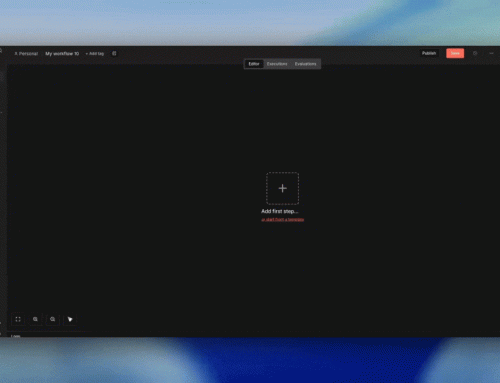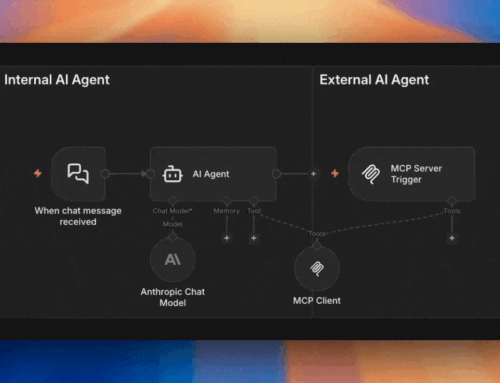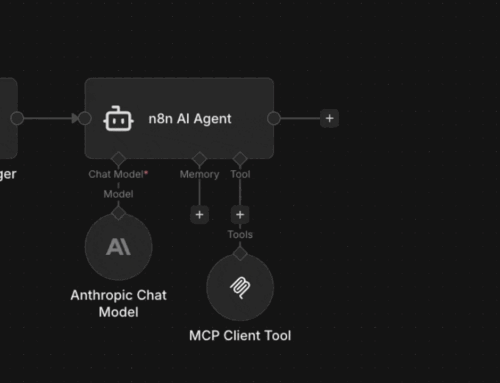


The MCP Server Trigger is a workflow-level entry point. You create a dedicated workflow, drop in the MCP Server Trigger node, and attach tool nodes to it. Each trigger gets its own unique URL that external AIs can call.
Unlike the Gateway, you’re building the workflow yourself. You decide exactly which tools to expose, what authentication to require (header auth or bearer), and how the workflow processes requests.
⚠️ On Authentication: The MCP Server Trigger supports header auth and bearer auth. Running it with no authentication is technically possible but means anyone who finds the URL can call your tools. That’s essentially a verbose, self-describing webhook with zero protection. Always use auth.
Real-World Setup
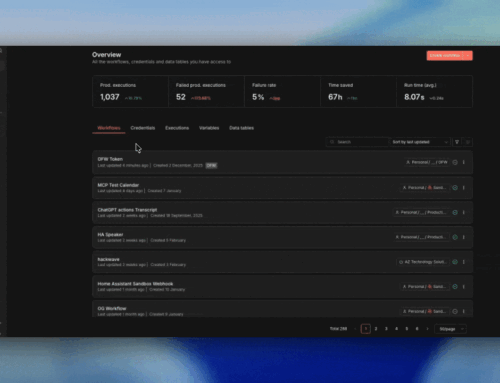
We use the MCP Server Trigger for our AI assistant setup. Here’s what we’ve connected — each is an n8n workflow the AI can call on demand: