The Distinction n8n Doesn’t Name (But You Need to Know)
Understanding how AI agents relate to n8n changes which tools you reach for
n8n doesn’t use the terms “internal” or “external” AI agent anywhere in its docs. But the distinction matters — a lot. n8n is open enough to work with AI agents that live inside it AND agents that live outside it, and each scenario uses different tools. Without this mental model, you’re staring at four MCP implementations wondering which ones you actually need.
First, Let’s Untangle the Language
Before we get into internal vs external agents, there’s a naming problem. n8n uses its own terminology for MCP features, and it doesn’t always line up with the MCP specification. If you’ve been confused by “MCP Server” meaning different things in different contexts, you’re not alone.
Here’s how n8n’s names map to standard MCP language:
| n8n Calls It | MCP Spec Equivalent | What It Does |
|---|---|---|
| Instance-level MCP Server (a.k.a. MCP Access) | MCP Server | Exposes your n8n workflows as tools to any MCP client |
| MCP Server Trigger | MCP Server | Also acts as an MCP server, but starts a workflow when called |
| MCP Client Tool | MCP Client | Lets an n8n AI agent call out to external MCP servers |
| MCP Client Node | MCP Client (partial) | Pulls tool listings from an MCP server — for automation, not AI agents |
Notice that n8n has two things that act as MCP servers (MCP Access and MCP Trigger) and two that act as MCP clients (MCP Client Tool and MCP Node). The confusing part: n8n calls one of its server-side features “MCP Server” — the same term the MCP protocol uses. To avoid this collision, I’ve been calling it MCP Access, since the button to enable it in n8n is literally labeled “MCP Access.”
With the naming sorted, let’s look at the two types of AI agents and which tools each one uses.
What’s the difference?
Internal to n8n AI

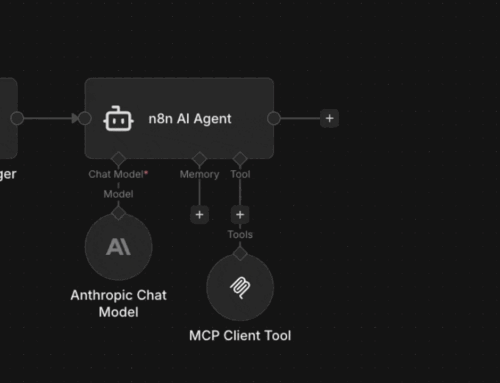
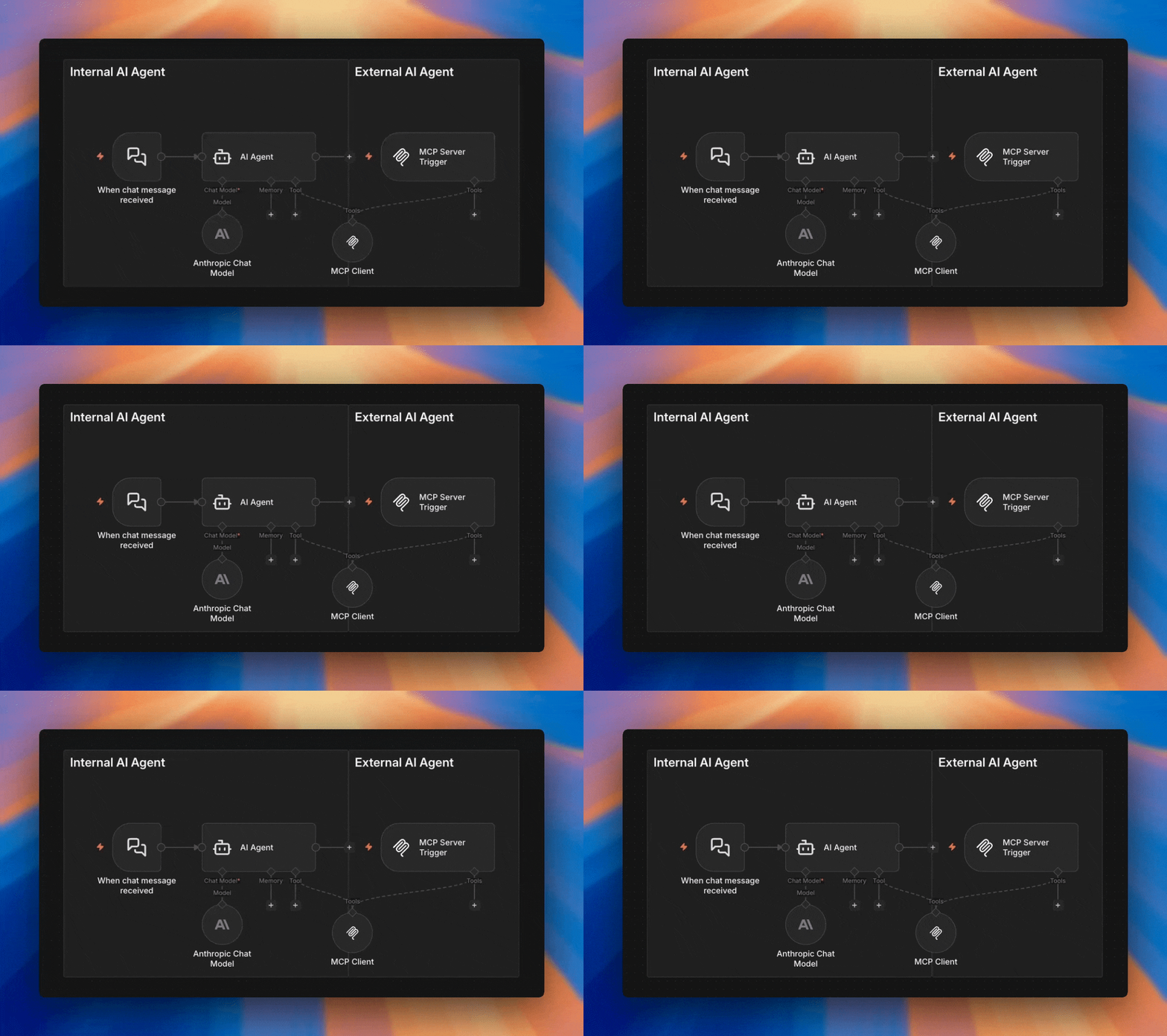
An internal agent is one built inside n8n using the AI Agent node. It runs within your n8n instance, uses n8n’s built-in guardrails, and attaches tools directly — including the MCP Client Tool.
External to n8n AI
An external agent is anything outside n8n — OpenClaw, Claude Desktop, Claude Code, a custom script — that connects into n8n through the MCP Server Trigger or MCP Access. It doesn’t run in n8n. It calls n8n.
Once you know which type of agent you’re working with, the right MCP tool becomes obvious.
Internal n8n AI Agent via AI Agent Node
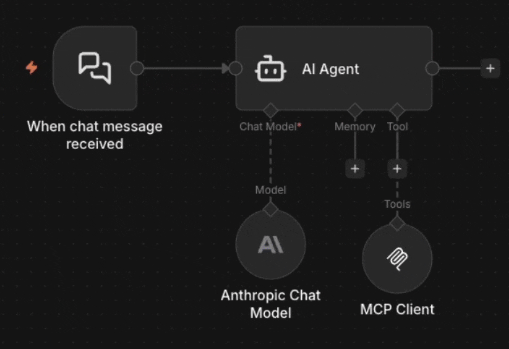
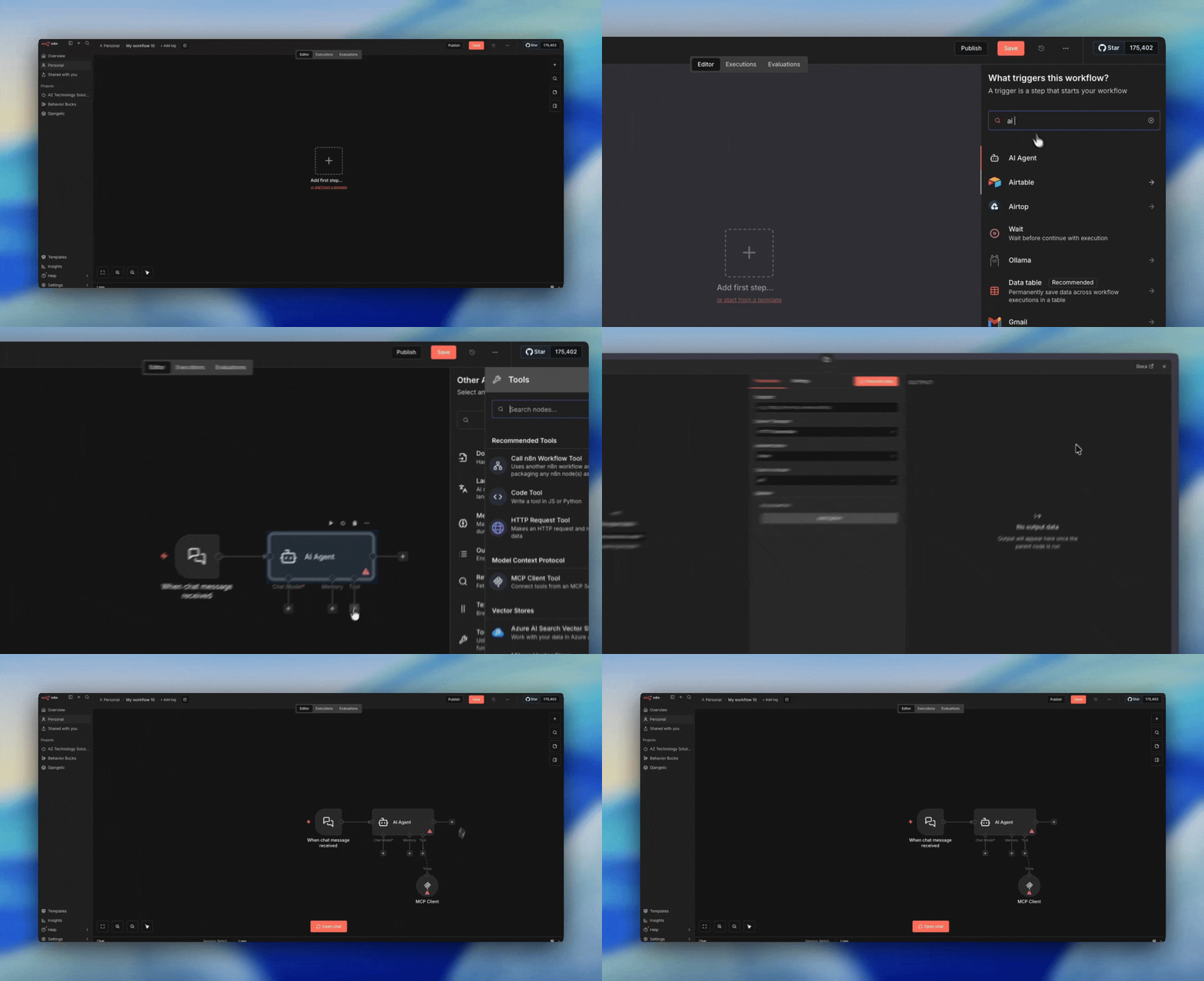
An internal AI agent lives inside n8n, built with the AI Agent node. Attach an MCP Client Tool and it can reach external MCP servers — including another n8n instance’s MCP Access endpoint. This means one n8n agent can build or trigger workflows on a completely separate instance. Internal agents benefit from n8n’s built-in guardrails, making them easier to prompt and safer to automate with.

External AI Agent via MCP Server Trigger
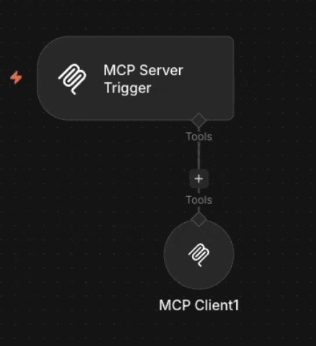
An external AI agent — OpenClaw, Claude Desktop, Claude Code, or any MCP-compatible client — connects into n8n through the MCP Server Trigger or MCP Access. The agent doesn’t run inside n8n; it calls in from outside. The trigger workflow can include MCP Client Tools, so an external agent can reach additional MCP servers through n8n as a bridge.
Who Can Use What?
Now that we know the two types of agents, here’s how each n8n MCP feature maps to them:
MCP Client Tool
✓ External to n8n
Both internal and external agents can use it. An internal agent attaches it directly. An external agent gets access when the MCP Client Tool is wired into a trigger workflow. Either way, it lets the agent call out to external MCP servers. It supports bearer, header, and OAuth2 authentication — the only one of the four that supports OAuth2 as a client.
MCP Access
(n8n’s “MCP Server”)
✓ External to n8n
Can be used by both internal and external AIs. It exposes your n8n workflows as callable tools. An internal agent on one n8n instance can call another instance’s MCP Access endpoint. An external agent like Claude Desktop connects to it the same way.
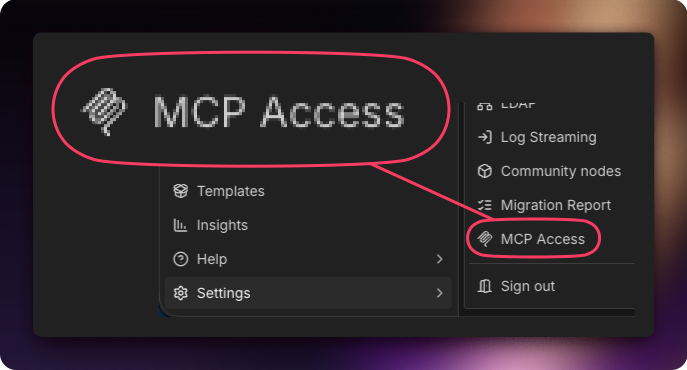
MCP Trigger
✓ External to n8n
Only used by external agents. It starts a workflow when an external AI calls in. Internal agents don’t need it because they’re already inside n8n.
MCP Node
✗ External to n8n
This one is the oddball. Neither internal nor external AI agents use it directly. It’s an automation node that connects to an MCP server to pull back the list of available tools and their descriptions. Think of it as a way to inspect what an MCP server offers — useful for building dynamic workflows or cataloging capabilities, but not for giving an AI agent access to tools.
Want the full picture?
This is one piece of the MCP puzzle in n8n. For the complete breakdown of all four implementations — MCP Access, Server Trigger, Node, and Client Tool — read the overview.