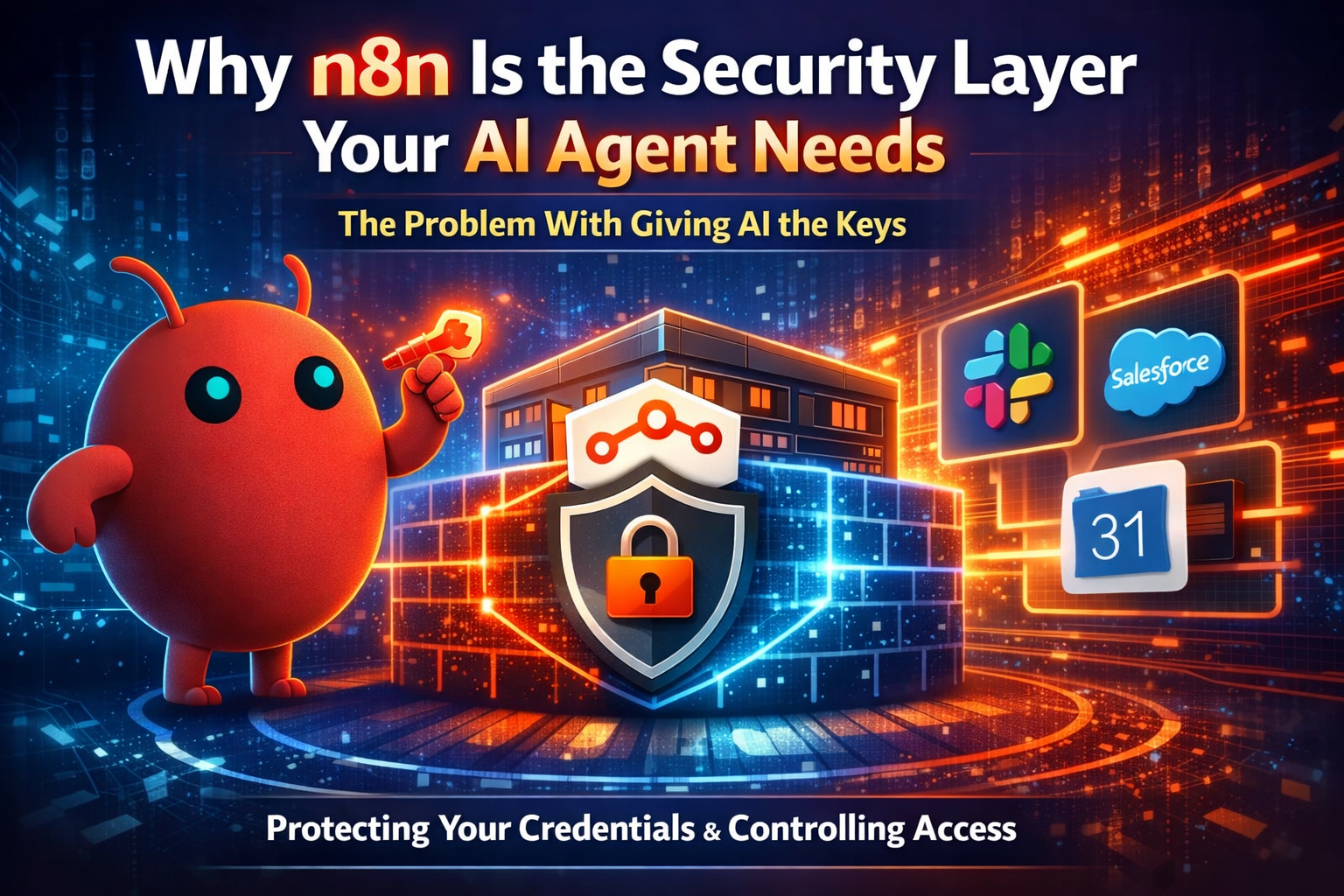
The Problem With Giving AI the Keys
Why autonomous AI agents need a security layer — and why n8n is already it
Open-source autonomous AI agents are gaining traction fast. Tools like OpenClaw, Claude Desktop, and Claude Code can read your files, manage your calendar, send messages, and trigger workflows — all on your behalf. That’s the entire point. An AI agent that can only read things isn’t much more useful than a search engine. The real value is in the ability to act.
But here’s the tension: to act on your behalf, an agent needs access to your services. Your Slack. Your Google Calendar. Your CRM. Your databases. And granting that access before you fully trust the agent — or the model behind it — introduces real security risk.
The default pattern today is to connect your AI agent directly to every service it needs. Hand it your API keys, your OAuth tokens, your credentials. The agent talks to Slack directly. It talks to Google directly. It talks to Salesforce directly. This works, but it means the agent has unmediated access to everything — and if the agent misbehaves, hallucinates, or gets prompt-injected, there’s nothing in between.
There’s a better pattern. And if you’re already using n8n, you might already have most of it in place.
Put n8n in the Middle
Instead of connecting your AI agent directly to every service, connect it to n8n. Then let n8n handle the connections to everything else.
This isn’t a theoretical architecture. n8n already has the exact tools for this:
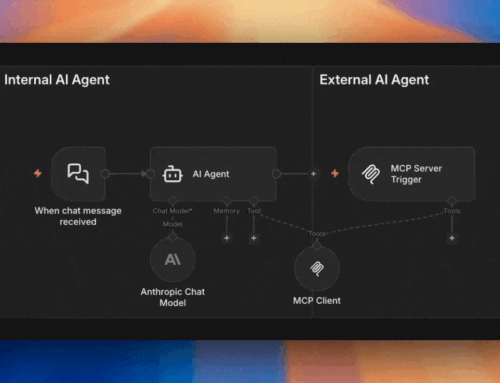
- MCP Server Trigger lets you expose specific tools and actions to an AI agent, behind bearer token or header-based authorization. The agent only sees what you explicitly permit.
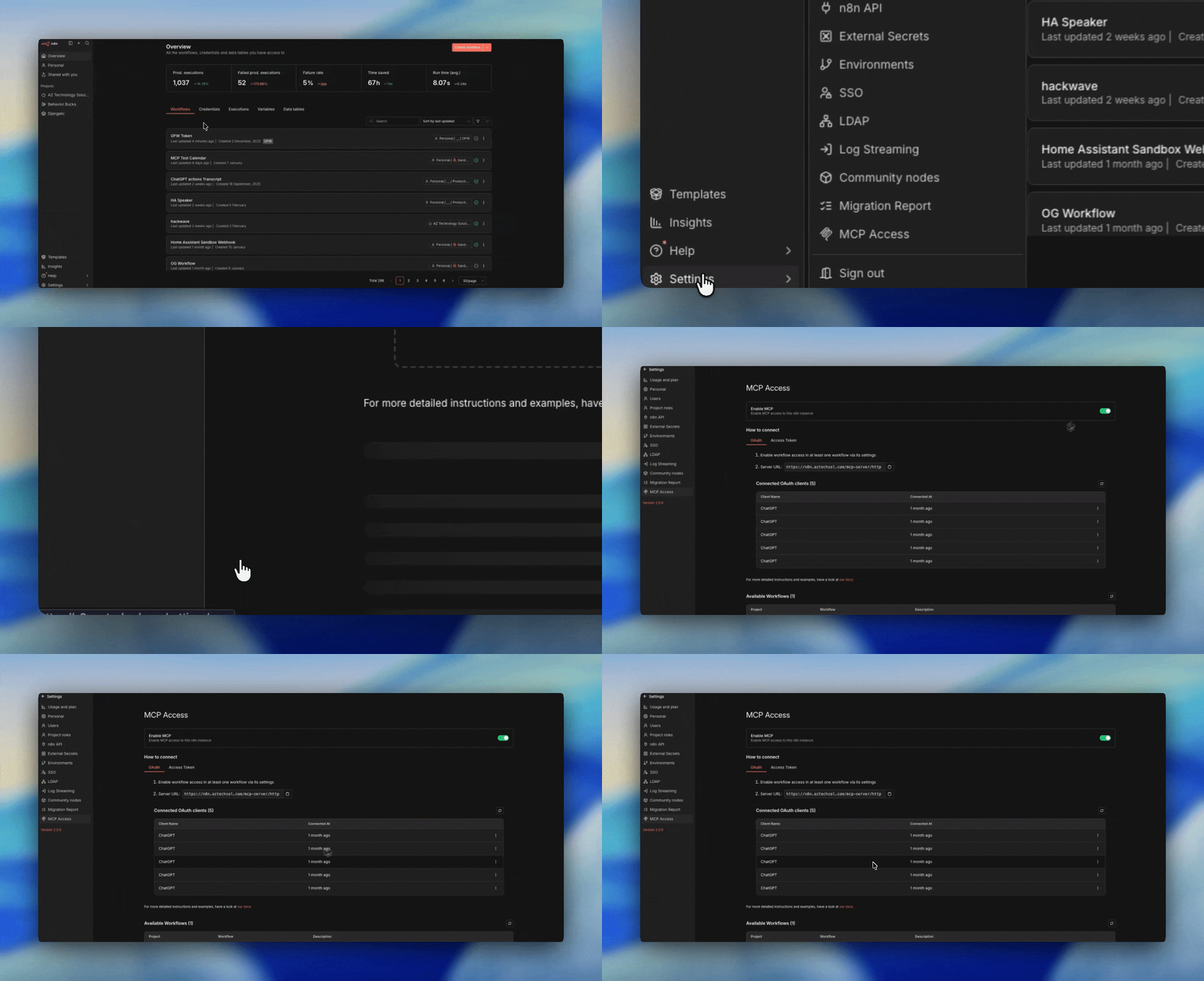
- MCP Access (the instance-level MCP server) gives an external AI agent access to your n8n workflows and resources — like giving it a controlled window into your entire automation library.
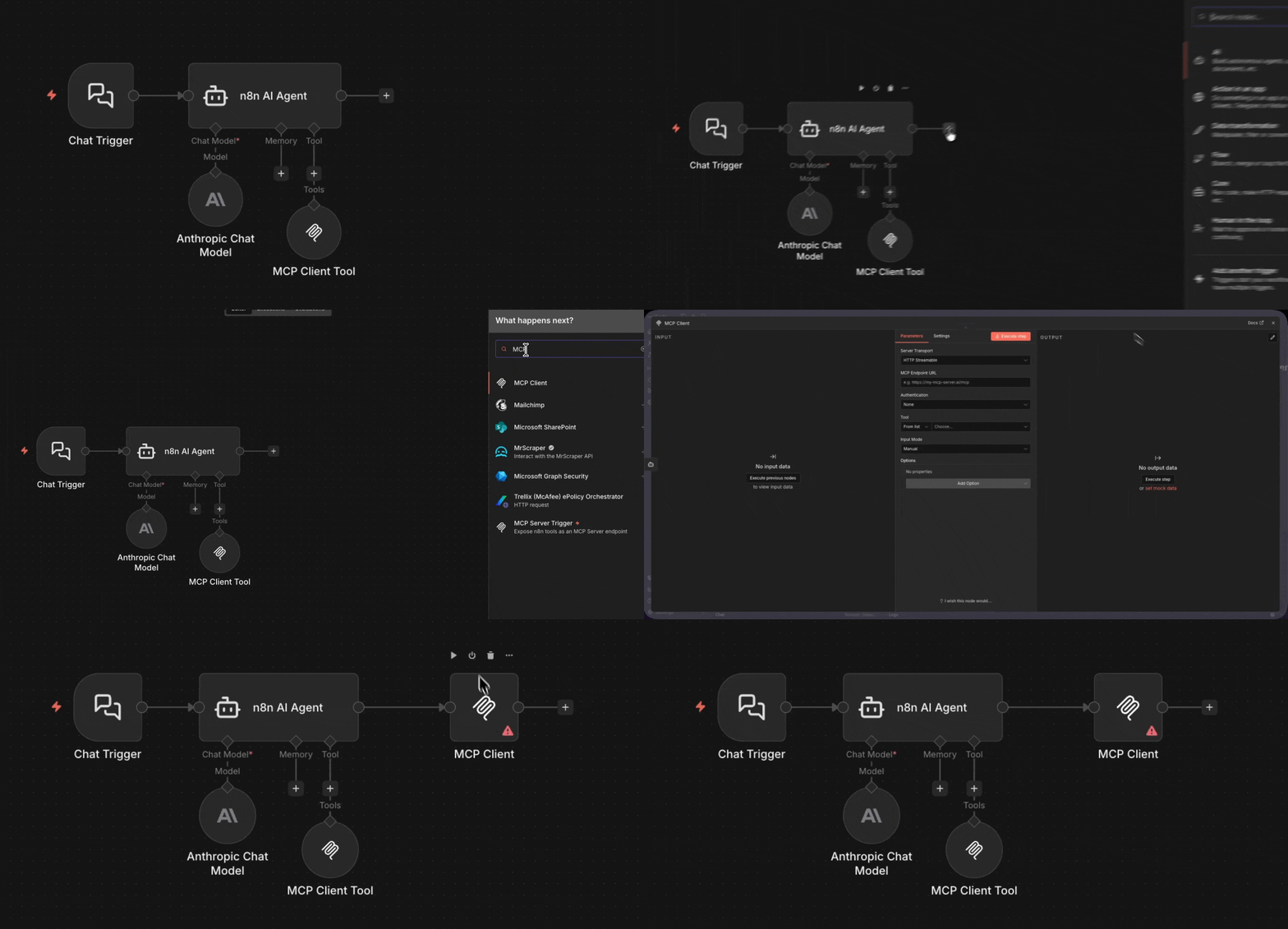
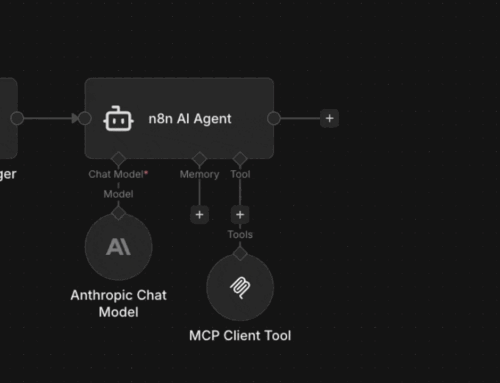
- MCP Client Tool lets you chain connections to other MCP servers through n8n, so the agent benefits from a broader ecosystem without ever touching those services directly.
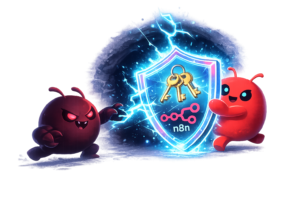
The key insight: your credentials never leave n8n. Your Slack token, your Google OAuth, your Salesforce credentials — they all stay stored securely inside n8n. The AI agent never sees them. It just calls n8n, and n8n calls the service on its behalf. If you decide to swap out your AI agent tomorrow — from OpenClaw to something else entirely — your integrations stay exactly where they are.
This is how I integrated OpenClaw with my Calendar using n8n
You Already Know This Pattern
If MCP still feels abstract, here’s the thing: you’ve already been doing this in n8n for years.
The MCP Server Trigger is the AI equivalent of a Webhook Trigger. Something external calls in, your workflow handles it. The difference is that MCP adds tool discovery — the AI agent can ask “what can you do?” before calling, instead of needing a hardcoded URL and payload format.
The MCP Client Tool is the AI equivalent of the HTTP Request node. Your workflow reaches out to an external service. Same concept, just with the MCP protocol wrapping it so AI agents can discover and use it dynamically.
Webhook Tunnel
If you’ve ever used the Webhook node in n8n, you know how it works. You have a dark tunnel, with no lights or signs. You need a map (API Documentation) to enter, since everything is dark. That documentation points the way, but also protects you by making it harder for hackers to know what the tunnel is capable of.
MCP Server
Think of it as an Opinionated Webhook. The levers and buttons are all lit up and easy to see. And if you use n8n’s description input for your Agents tool, you can even add little signs with “Just-In-Time-Prompts” to explain how to use the endpoint. This makes agents more reliable, because it’s only introduced to their context window when they use it.
And MCP Access — the instance-level server — is the AI equivalent of the n8n API itself. Every n8n instance already has a REST API that lets you list workflows, trigger executions, and manage resources programmatically. MCP Access does the same thing, but speaks a protocol that AI agents understand natively.
Once you see these parallels, MCP stops being a new concept and starts being a natural extension of what n8n already does.
But this transparency also introduces risk, where if you don’t put authentication on your MCP Server Trigger, you are basically announcing all the capability of your API in one place. So always ensure you set authentication on your MCP Server Trigger. MCP Internal Instance Access comes with Oauth2 by default, so no need to lock that one down. n8n does it for you.
So why should I go through all the effort of setting up my MCP server trigger, and tools just to access something I could do directly?
Five Things You Get for Free
Security
Your credentials stay inside n8n. The AI agent gets access to capabilities, not credentials. You decide exactly which tools to expose and behind what authentication. If an agent goes rogue, it can only do what you’ve explicitly allowed — and you can revoke access by disabling a single workflow.
Ownership
If you put your AI agent behind Zapier, Make, Workato, or any other closed automation layer, you’ve just added another part of the stack you don’t own. That matters even more when the model itself is often already controlled by OpenAI, Anthropic, or Meta. n8n Community Edition gives you a self-hosted layer you can actually keep — your workflows, your credentials, your logic, and your data handling all stay in a system you control. The AI agent can still do useful work, but it does that work using your toolbox, not its own. And that’s where AI is heading anyway. OpenClaw, Open WebUI, and local models all reflect the same idea: the future belongs to agents that act on your behalf through infrastructure you actually own. You can even have your agents deploy n8n for you!
Portability
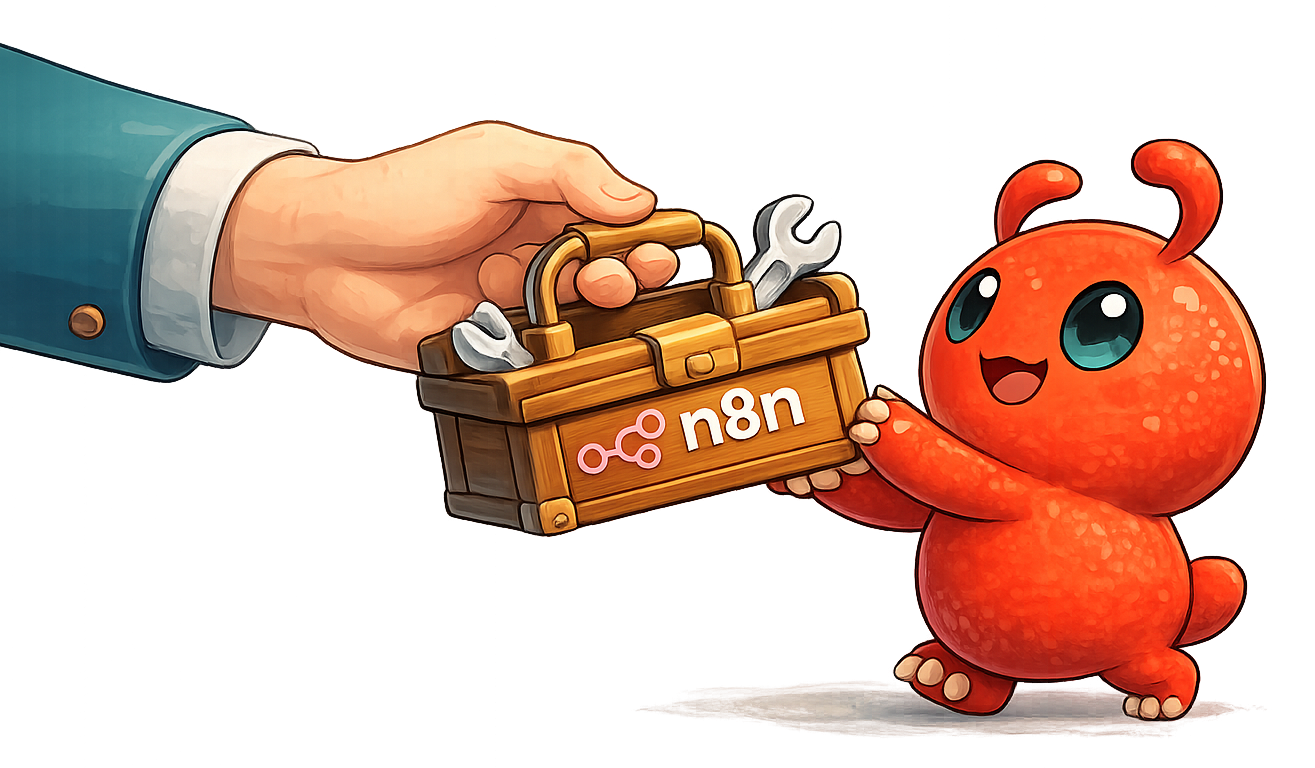
Think of your n8n tools like a toolbox. You pack your tools once — your calendar integration, your Slack connection, your database queries — and they live in n8n. When you get bored with one AI agent and want to try another, you just point the new agent at the same n8n MCP endpoint. Your tools come with you. No reconfiguration. No re-authentication.
Visibility
Every action the AI agent takes flows through an n8n workflow. That means you get execution logs, error handling, and the ability to add guardrails. You can see exactly what the agent requested, what n8n did, and what happened. Try getting that level of visibility when an agent talks directly to Slack’s API.
Efficiency
n8n can reduce how much context your AI agent needs to send to the model. Instead of passing everything through raw — full logs, long histories, duplicate records, or oversized payloads — n8n can filter, summarize, transform, and route only what matters. That means fewer tokens consumed, lower cost, and often better responses because the model sees less noise and more signal.
The Real Opportunity
The people building with AI agents at home — tinkering with OpenClaw on a weekend, connecting Claude Desktop to their personal tools — are the same people who will bring these patterns to work on Monday.
The experience of wiring an AI agent through n8n to securely access a Google Calendar at home is exactly the experience that teaches someone to wire an AI agent through n8n to securely access a Salesforce instance at work.
Home use cases run on imagination. Work use cases run on experience. But the imagination comes first — and if you understand something at home, you can use it at work.
The tools for this are already in n8n. The question is whether people know that.